

EPS,AI,CDR,SVG to 300 DPI PNG / JPG & CMYK Vector PDF
Turn an EPS, AI, CDR or SVG file into a transparent PNG, a print-ready 300 DPI CMYK JPG / TIFF with custom pixel size, or a fully vector PDF / SVG — in one click.
Upload your vector file
EPS · AI · CDR · SVG · up to 50 MB
Drop your file here
or click to browse · .eps .ai .cdr .svg
Output settings
Rendered from the vector at your target resolution.
Colour-managed conversion with black point compensation keeps the result visually close to the original.
Result
Preview your export, then download it.
Your converted file will be previewed here.
By uploading a file you agree to our Privacy Policy and Terms of Use.
Quality: PDF and SVG exports stay true vector (no rasterisation). Multipliers and DPI are drawn by the engine at the exact target size — nothing is ever stretched. Raster exports are capped at 10,000 px per side.
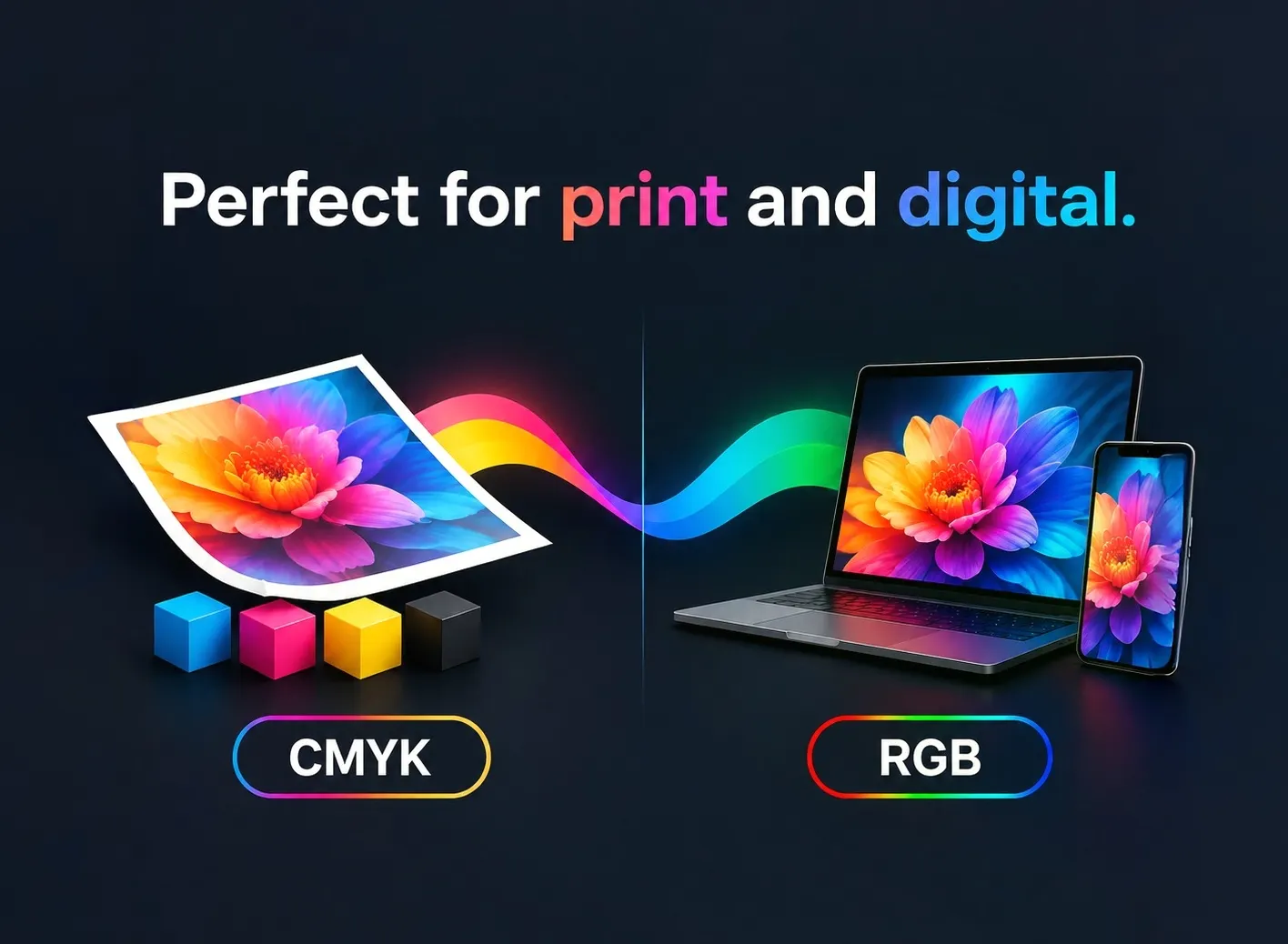
Colour: PNG and SVG are RGB only. JPG, TIFF and PDF can be exported as CMYK (US Web Coated SWOP) for print delivery.
CDR fonts: text inside CDR files is converted to curves automatically so nothing is lost. A server cannot ship every commercial font, so for a 100% match convert text to curves (Ctrl+Q) in CorelDRAW before uploading.
Output area: we export the page frame by default. If objects are found outside the page, an “Output area” switch appears so you can export the complete artwork.
Daily free limit reached
EPS in, anything out
Every EPS export is rendered from the original vector — never stretched from a preview.
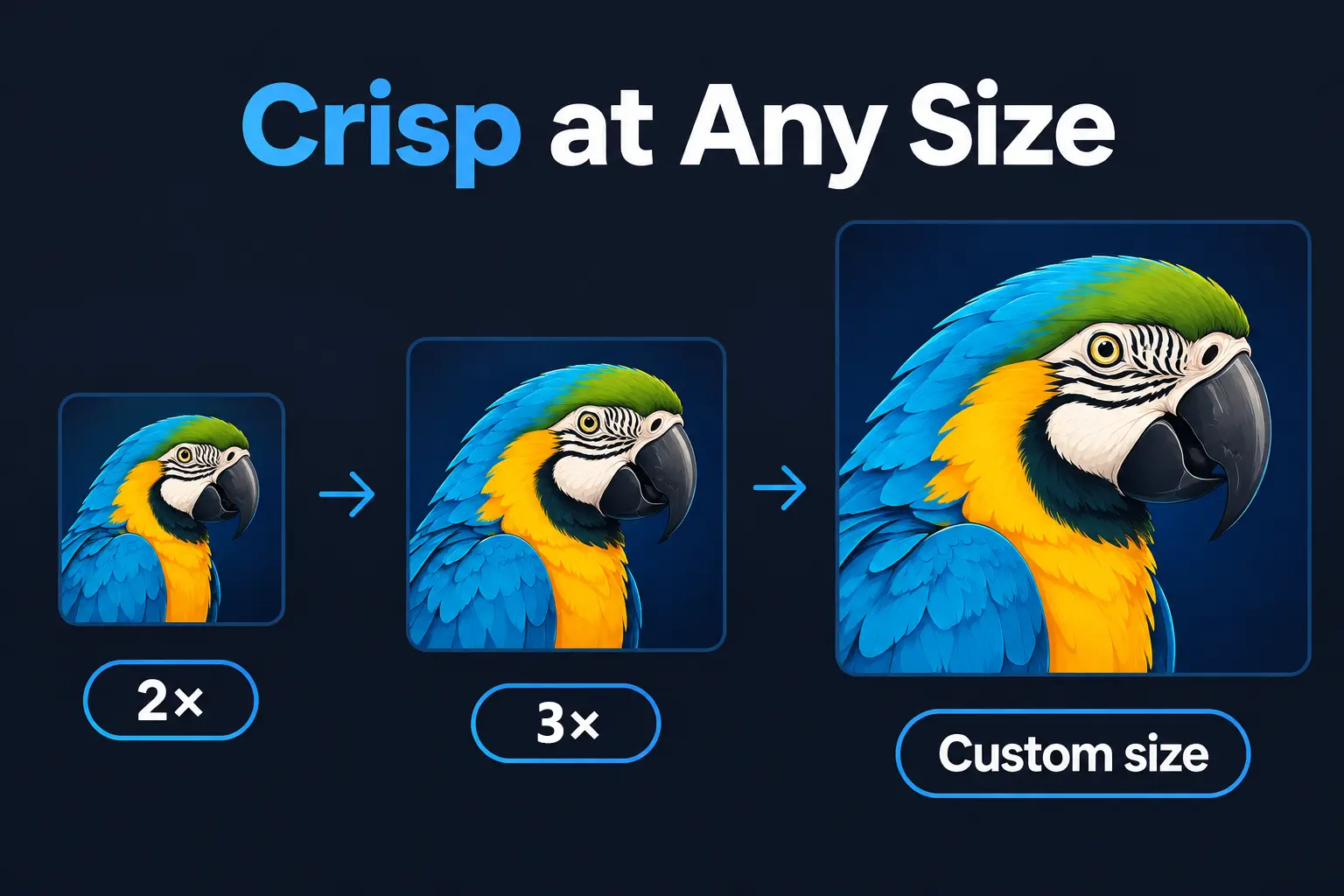
Crisp at Any Size: 2x, 3x & Custom Dimensions
Unlike standard converters that stretch small previews, our true vector engine re-renders your artwork directly at your chosen scale. Export at 2x, 3x, or any custom dimension—guaranteeing razor-sharp curves, lines, and text every single time.
- EPS input, with AI, CDR and SVG also supported
- PNG, JPG, PDF, TIFF and SVG output in 2x, 3x, or Custom Sizes
- True Vector Re-rendering — Never Upscaled or Pixelated
True 300 DPI High-Resolution Vector Export — Built for Print
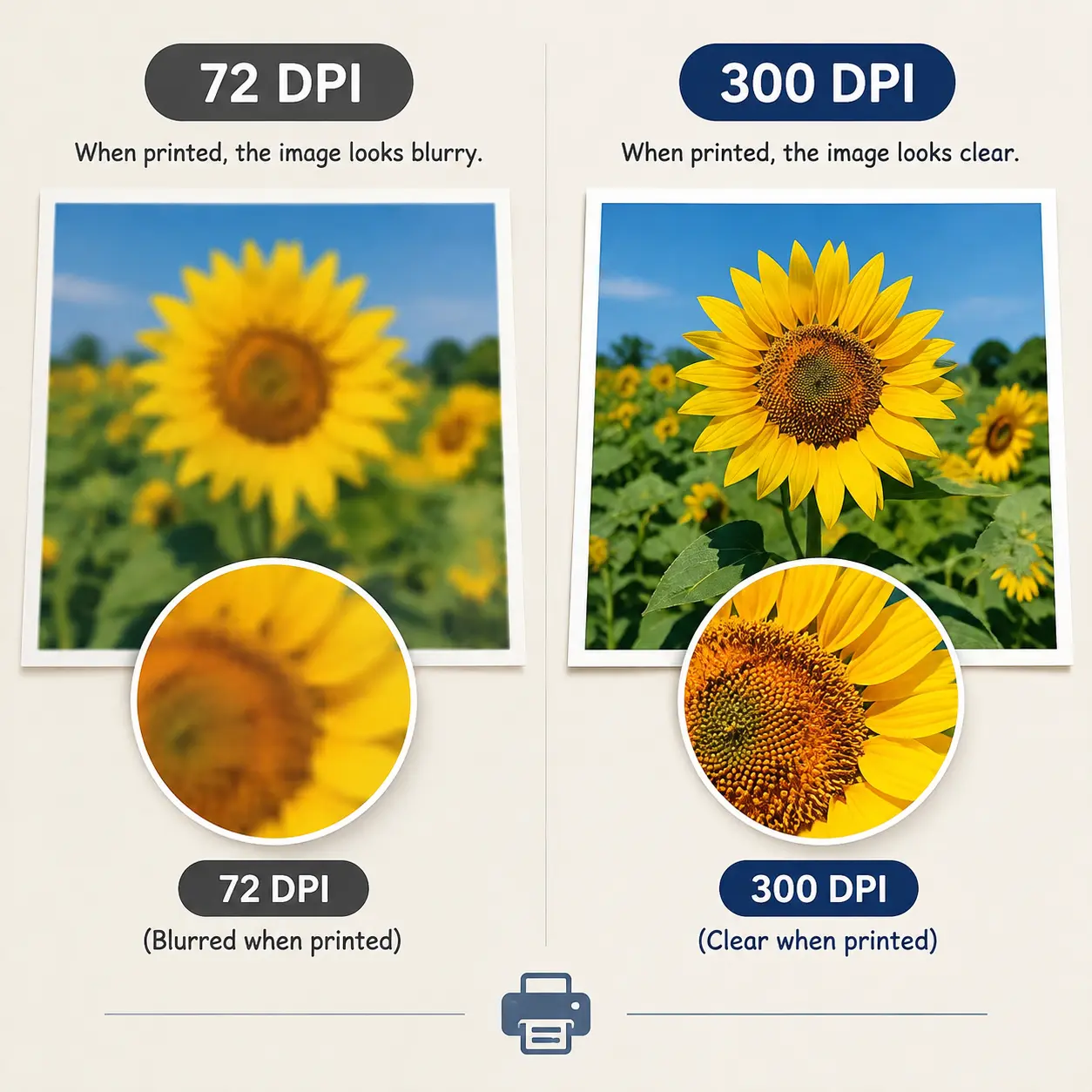
Most free converters cheat by saving a low-res 72 DPI image and fake the DPI tag, leaving you with blurry, pixelated prints. We do the real math: your artwork is re-rendered straight from the source vector at exact pixel dimensions before embedding genuine 300 DPI metadata.
- 72 DPI for web & social, 150 DPI for office printing, 300 DPI for professional press
- Export A4 at 300 DPI = 2480 × 3508 px, generated directly from the vector
- Real DPI metadata written into JPG, PNG, TIFF and PDF
Combine 300 DPI with CMYK and you get a press-ready JPG, TIFF or PDF straight from an EPS file — no Illustrator or CorelDRAW licence required.
EPS to print — a 3-point checklist
What your printer actually needs, and where to set it here.
Set DPI = 300. A4 then exports at 2480 × 3508 px, rendered directly from the EPS — not upscaled from a preview.
Switch the colour mode to CMYK for JPG, TIFF or PDF. US Web Coated (SWOP) with black point compensation keeps the colour shift between screen and press to a minimum.
Choose Custom and enter the exact width in pixels — the height locks to the artwork aspect ratio, so nothing is stretched or cropped.
If the printer asks for a vector file, export EPS to PDF (or SVG). The artwork is never rasterised and stays editable in Illustrator, CorelDRAW or Inkscape.
Why EPS files need converting in the first place
EPS (Encapsulated PostScript) is a print-era vector format. It is perfect for a press, but web browsers, Word, PowerPoint, Shopify, Etsy and most marketplaces cannot display it at all. That is why a logo delivered as EPS usually has to be re-exported before it can be used.
- EPS to PNG — transparent logo for websites, decks and mockups
- EPS to JPG — flat artwork for listings, or 300 DPI CMYK for print
- EPS to TIFF — lossless CMYK master for prepress and packaging
- EPS to PDF — a universally readable file that stays vector
- EPS to SVG — scalable vector for modern web and app UI
Every export above is produced directly from the EPS source, so quality never depends on a low-resolution preview embedded in the file.
How it works
Three steps, a few seconds.
Upload artwork
EPS (AI, CDR and SVG also work) — up to 50 MB.
Pick your settings
Format, size or exact pixels, DPI, RGB / CMYK and transparency.
Preview & download
Check the preview, then grab the file at full quality.
 Continue with Google