

PNG & JPG to SVG or PDF Vector Converter

Turn any logo, icon or illustration into a real vector file — clean SVG paths or a print-ready vector PDF in RGB or CMYK.
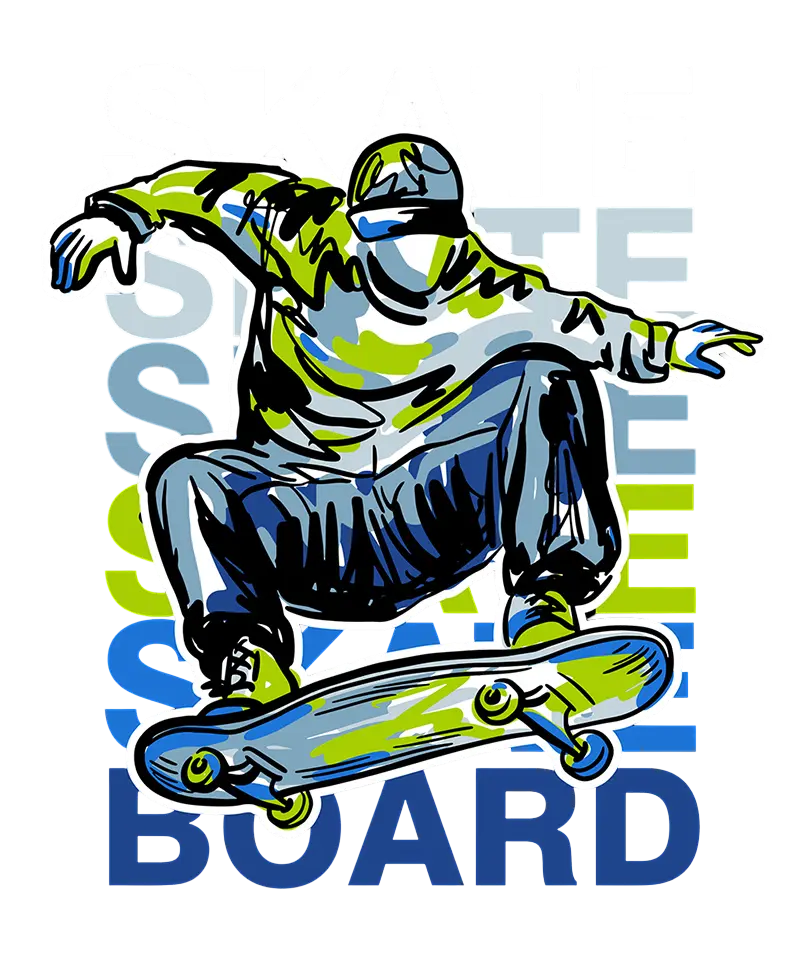
PNG to SVG vector conversion example

Your vector result will appear here.

Upload or Drag & Drop

PNG, JPG or WEBP up to 15MB

Output format

Both outputs stay fully vector — nothing is rasterised.

Colour mode

SVG only RGB. Switch to PDF to unlock CMYK.

By uploading an image you agree to our Privacy Policy and Terms of Use.

Raster in, real vector out

AI tracing that keeps your shapes clean and your files editable.

True vector paths

PNG or JPG to editable SVG

Most “converters” simply wrap your bitmap inside an SVG container. We don’t. The artwork is re-drawn as genuine paths and shapes, so you can recolour, rescale and edit every curve in Illustrator, Figma, Sketch, Inkscape or CorelDRAW.

  • Clean, optimised curves — not thousands of stray nodes
  • Transparency is preserved
  • Infinite scaling, from favicon to billboard
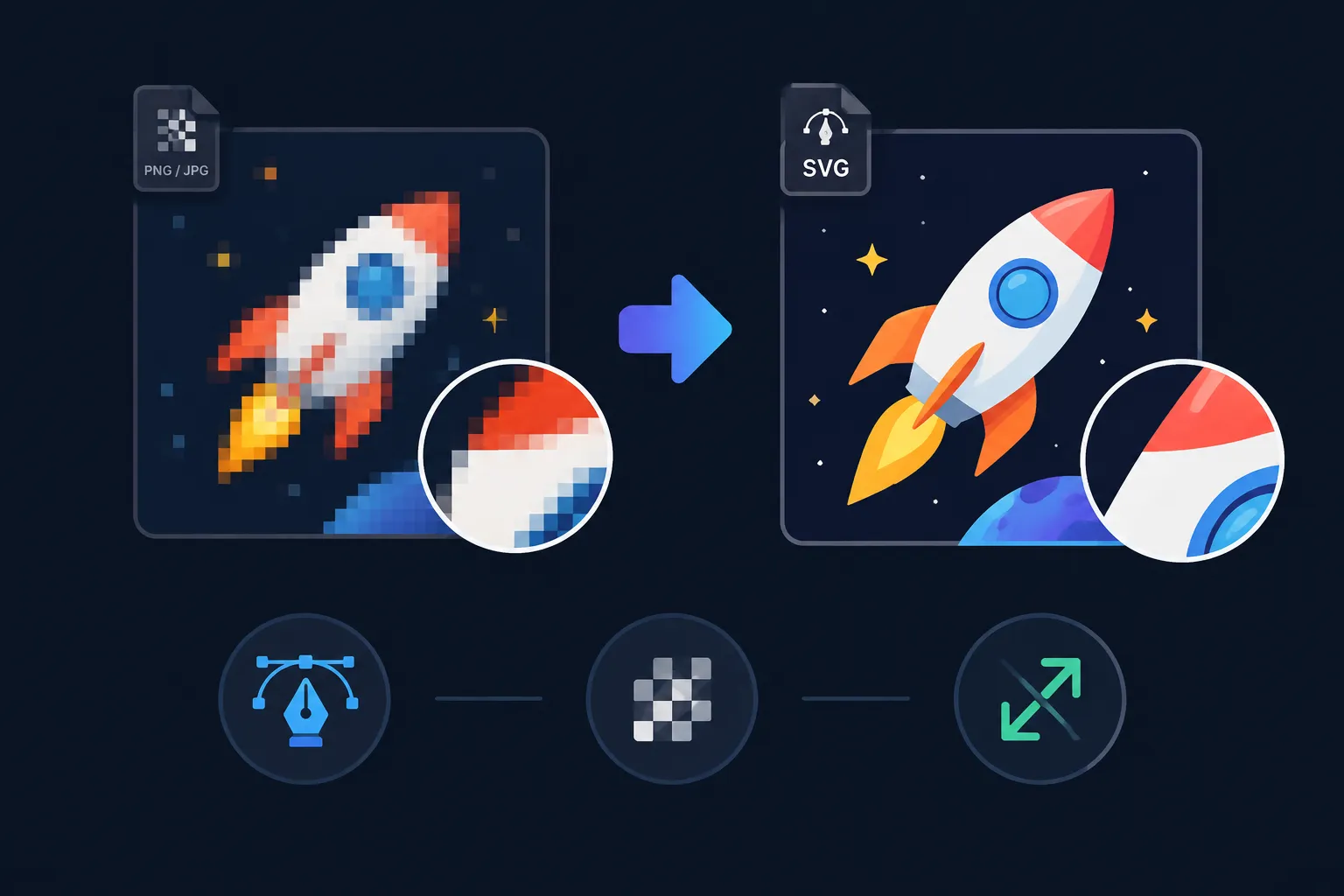
PNG traced into clean SVG vector paths
Print ready

Vector PDF with true CMYK

Need to send artwork to a printer? Export a fully vector PDF and switch the colour mode to CMYK. We convert through the US Web Coated (SWOP) ICC profile with black point compensation, so colours stay visually close to your original while becoming press-safe.

The PDF is never rasterised — place it in InDesign or Illustrator and it stays sharp at any size.
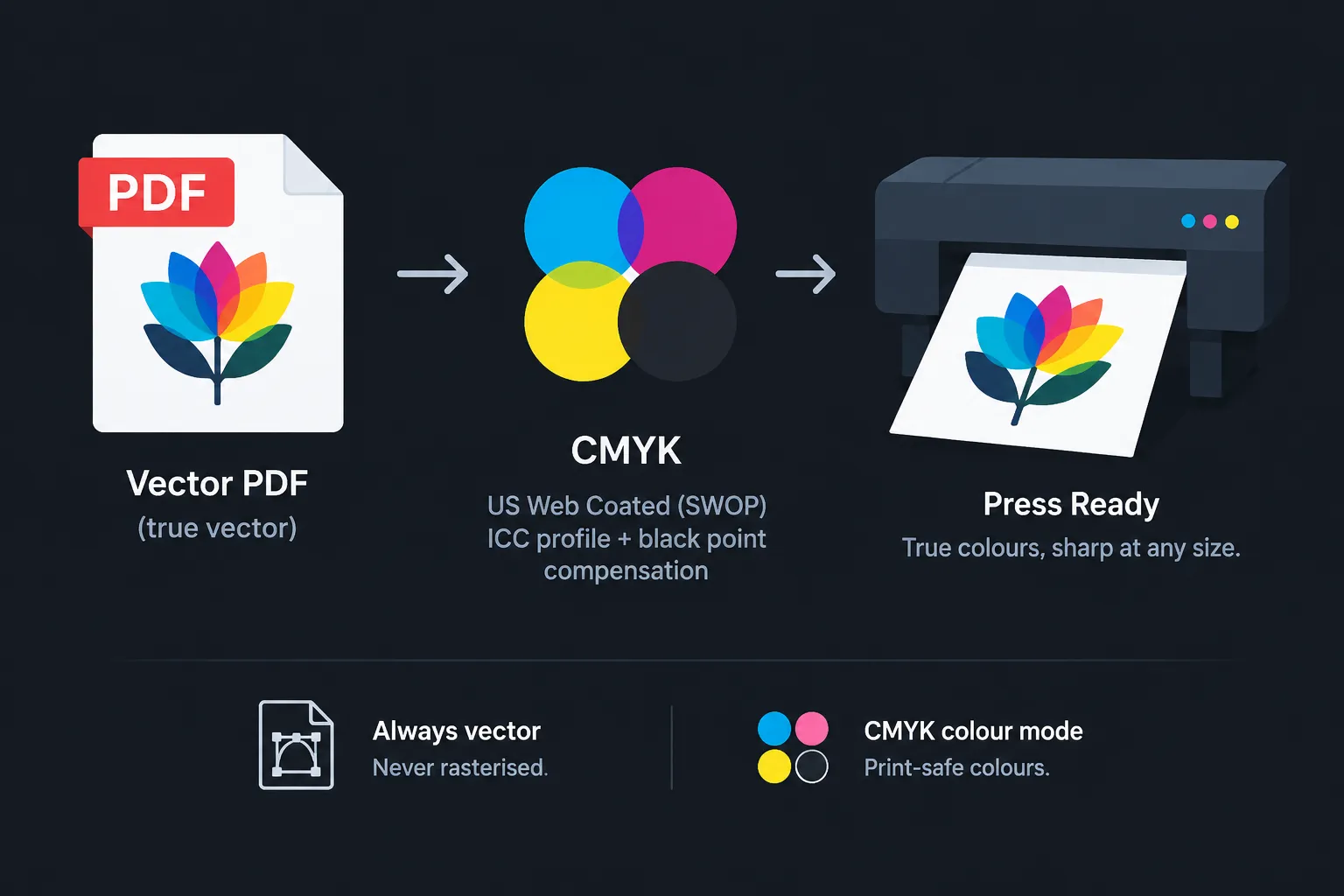
Vector PDF export with CMYK colour for print
Built for brand assets

Rescue low-resolution logos

Only have a small PNG of your logo left? Vectorize it once and you get a master file that works everywhere: web, embroidery, signage, vinyl cutting, packaging and merchandise.
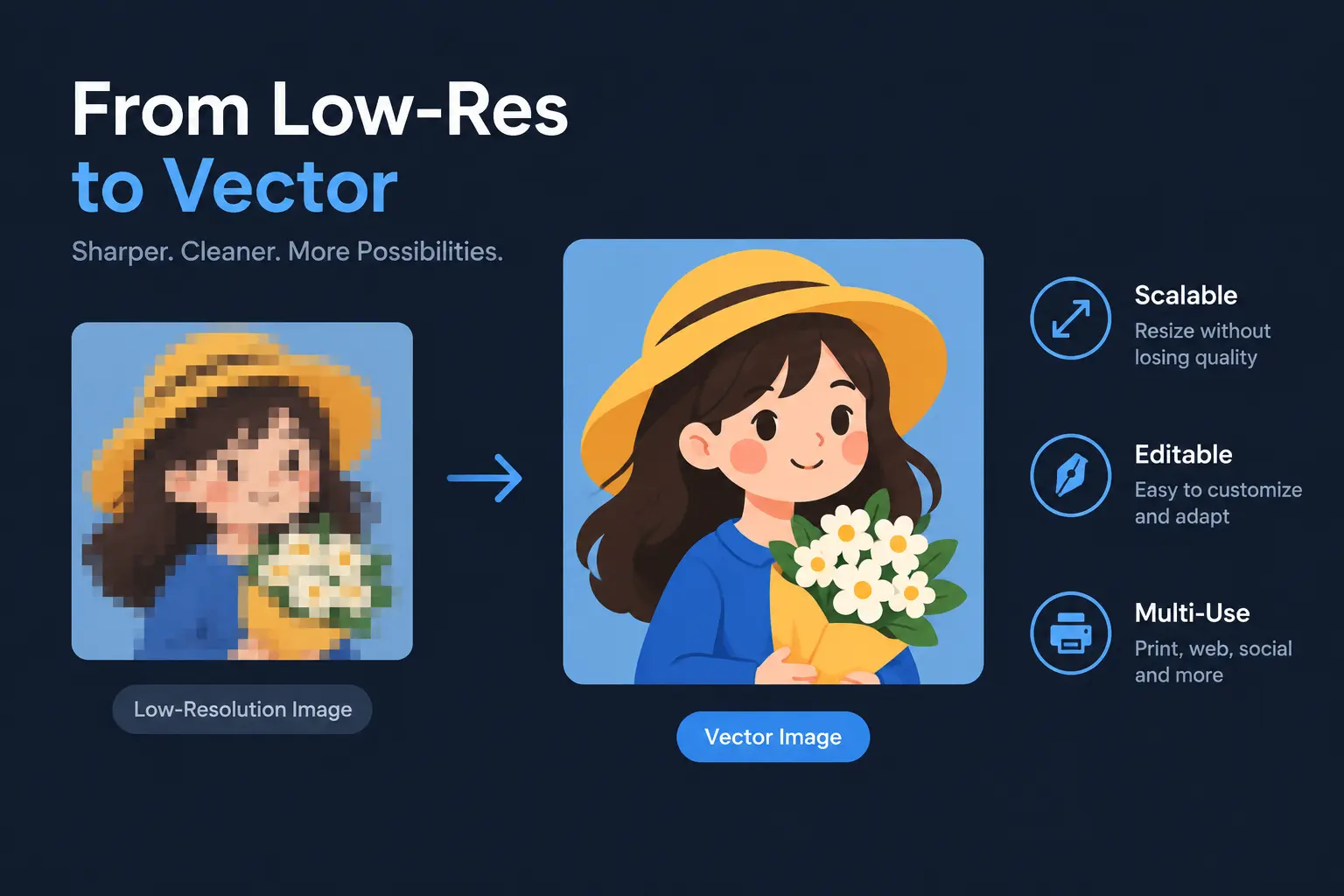
Low resolution logo rebuilt as a scalable vector

Best For

Logos & Branding

Rebuild a pixel logo as a scalable master file.

Print on Demand

Vector artwork for DTF, vinyl and screen printing.

Icons & UI

Crisp SVG assets for responsive interfaces.

Signage & Cutting

Clean paths that plotters and CNC tools can follow.

How the image vectorizer works

Three steps, no design software required.

1

Upload your image

Drag and drop a PNG, JPG or WEBP file. Oversized images are resized automatically.

2

Choose the output

SVG for web and design tools, or PDF (Vector) in RGB or CMYK for printing.

3

Download the vector

Preview the traced result and download a file you can edit and scale forever.

Try other tools

A complete raster and vector workflow.

Common Questions

How do I convert a PNG or JPG to SVG?
Upload your PNG, JPG or WEBP image, pick SVG as the output format and press Vectorize. The AI traces the artwork into clean vector paths you can open in Illustrator, Figma, Inkscape or CorelDRAW.
Is the result a real vector file?
Yes. The SVG contains genuine vector paths and shapes — not an embedded bitmap — so it stays razor sharp at any size, from a favicon to a billboard.
Can I export a vector PDF instead of SVG?
Yes. Choose PDF (Vector) and the traced artwork is written to a fully vector PDF with Inkscape, ready for placement in InDesign, Illustrator or a print workflow.
Why is CMYK only available for PDF?
The SVG specification is RGB only — there is no standard way to store CMYK values in an SVG. PDF supports device CMYK, so we convert it through the US Web Coated (SWOP) ICC profile with black point compensation for print.
Which images vectorize best?
Logos, icons, badges, lettering, line art, stickers and flat illustrations give the cleanest results. Photographs can be vectorized too, but they produce a stylised, poster-like look.
What are the file limits?
Upload up to 15 MB. Images are automatically resized to fit the engine limits (256–4096 px per side, up to 16 megapixels), so you rarely need to prepare anything yourself.
Do transparent PNGs stay transparent?
Yes. Transparency is preserved during tracing, so the resulting SVG has no baked-in background.
Do you keep my files?
Uploads and results are stored temporarily so that you can download them, then deleted automatically. They are never shared or reused.

Welcome Back

Login to access your AI tools

Continue with Google
Or
Don't have an account yet? Sign up

Create Account

Join to use free AI tools

Email
Default
  • Password must have 8 characters
  • Number or special character

By signing up, you agree to our Terms and Privacy Policy.

Or
Continue with Google
Already have an account? Login

Verify Email

Enter the 6-digit code sent to
your email

Reset Password

Enter your email to receive instructions

Insufficient Credits

You don't have enough credits to perform this action. Upgrade your plan to continue creating.

Get More Credits