

How to Convert an EPS Vector File to a 300 DPI CMYK TIFF without any software
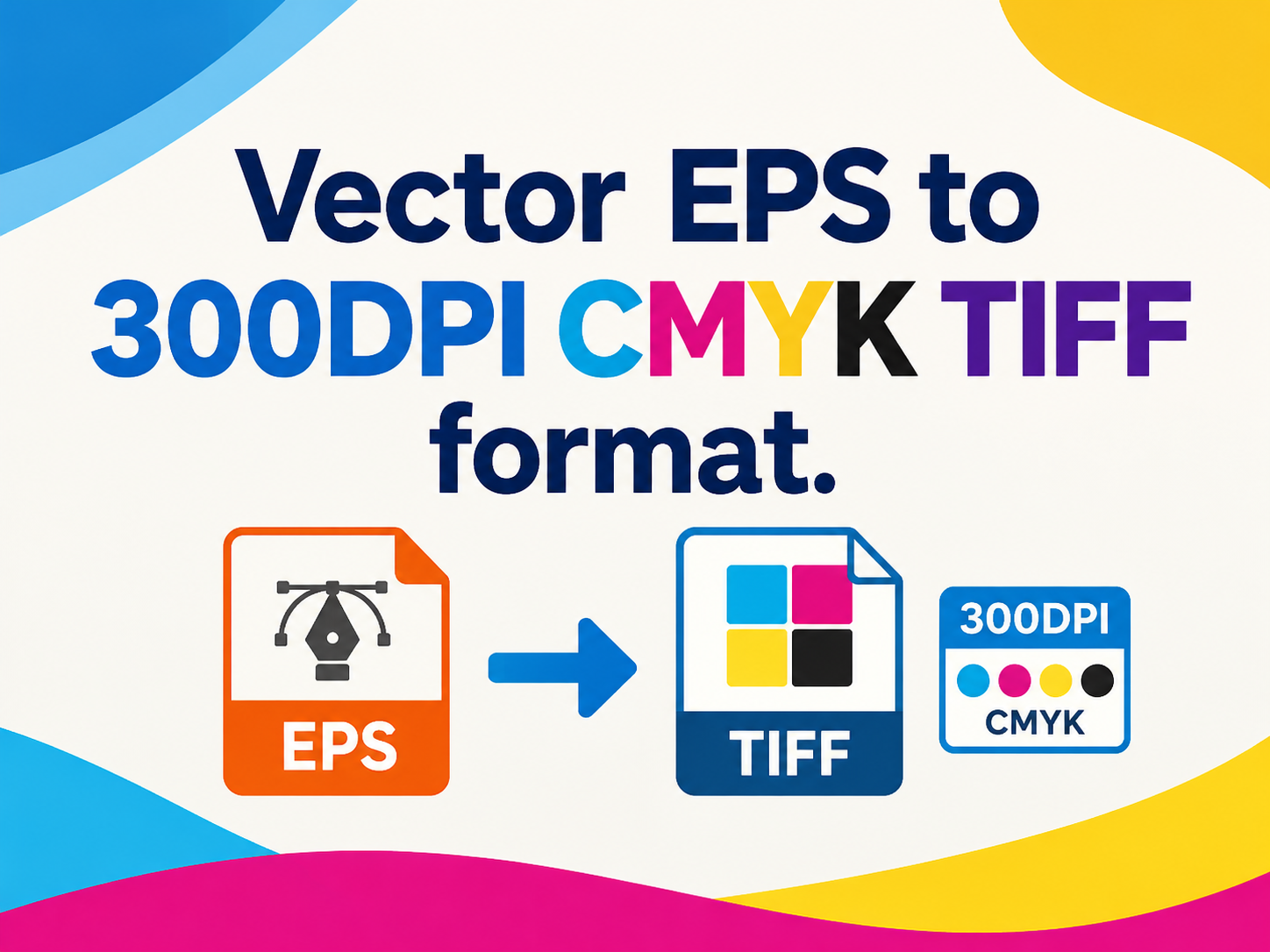
If you work with digital assets, you’re probably familiar with the EPS file format. EPS is a popular vector format commonly offered by stock image websites and design resource platforms.
For example, when I download a high-quality EPS vector illustration from websites such as Shutterstock or iStock, my usual workflow is to open it in Adobe Illustrator, make any necessary edits, and export it in the format I need. But what if the file is already perfect, you don’t need to edit it, and you don’t have Adobe Illustrator installed? How can you convert it to a 300 DPI TIFF file in CMYK color mode?
The good news is that you don’t need to ask anyone for help or install additional software. The conversion can be completed online in just a few simple steps.
Convert EPS to 300 DPI CMYK TIFF Online
The process is straightforward. All you need is an online conversion tool.
First, visit vectortopng.com and upload your EPS vector file.

Next, select TIFF as the output format.
You can customize the output dimensions according to your needs. Set the resolution to 300 DPI, and select CMYK as the output color mode.
Then, submit the file for processing and wait a few seconds to a few dozen seconds. The exact processing time depends on the size of your EPS file.

A Note About CMYK Color Display
When you preview a CMYK image online, the colors may appear slightly different from the original EPS file. This is normal because monitors and web browsers typically display images using the RGB color model.
However, the converted file is still saved in CMYK color mode. Once you download and print it, the color difference compared with the original EPS artwork should be minimal and within a normal range for the printing process.
The entire conversion takes less than a minute, and the tool is free to use, which makes it very convenient. If you don’t need CMYK, you can also select the standard RGB color mode as the output option.
With this online converter, you can quickly convert EPS vector files into print-ready TIFF files whenever you need them—without Adobe Illustrator or any other desktop software.


 Continue with Google